
override only affects the application configuration and does not change the original configuration. It only takes effect when used.
Built-in override
The built-in override cannot be edited or deleted. Please copy it first if you need to modify it.
Apply override
The effect of the two entrances is the same, and the selected override will be applied to the subscription.1
From the subscription card app
Open the subscription card and go to Edit Subscription → Setting Type → Override Configuration.
2
Configure application from override
Select overwrite, click Apply, check the target subscription and confirm to save.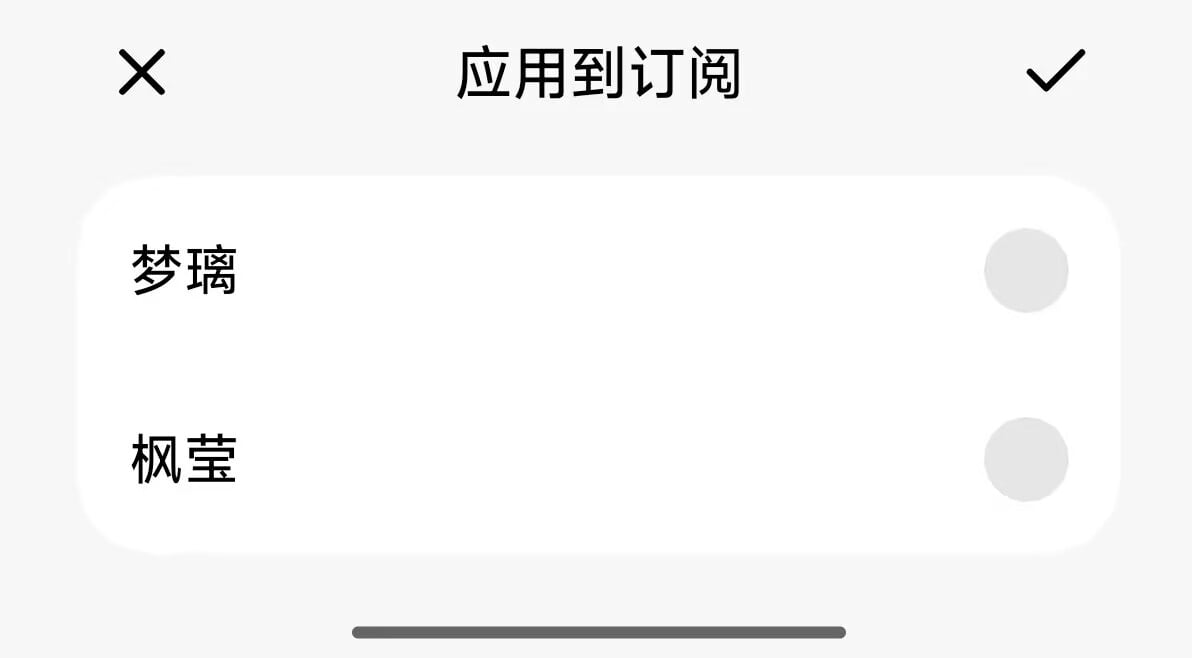
Execution order
When multiple overrides are applied to the same subscription, YumeBox executes them in list order; later overrides can modify previous results.原始配置.yaml
第一份覆写.yaml
第二份覆写.yaml
最终结果 diff.yaml