> ## Documentation Index
> Fetch the complete documentation index at: https://yumebox.gal.tf/llms.txt
> Use this file to discover all available pages before exploring further.
# quick start
YumeBox does not provide nodes or subscriptions, please prepare the configuration file or subscription address first.
## First time use
Download and install the APK from [GitHub Releases](https://github.com/YumeYucca/YumeBox/releases).
| Version | Geo Data | Suitable Scenario |
| ---------- | ------------ | ----------------------- |
| `builtin` | Built-in | First time installation |
| `external` | Not built-in | Version update |
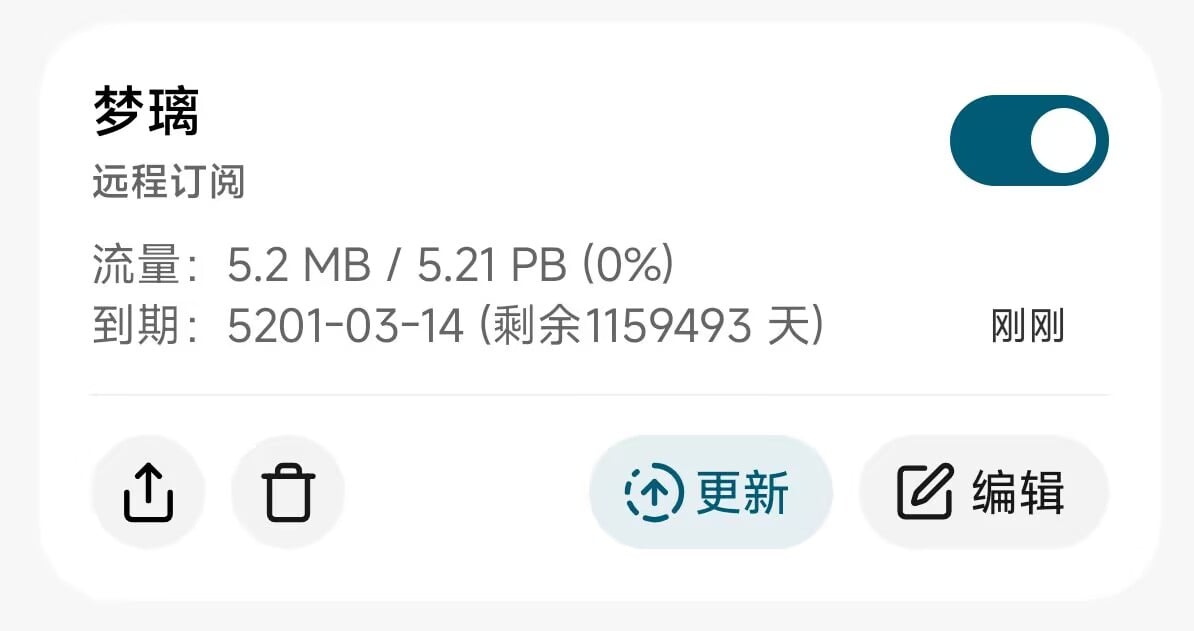
Click **Add Configuration** on the configuration page. After filling in the configuration name, you can import it through a subscription link, local file or QR code.
 Click on the configuration card to make it the current configuration.
It is recommended not to add overrides when starting for the first time, and then modify it after confirming that the configuration can run normally.
Click on the configuration card to make it the current configuration.
It is recommended not to add overrides when starting for the first time, and then modify it after confirming that the configuration can run normally.
 Open **Network Settings** and select the operating mode:
| Mode | Permissions | Features |
| ------------- | ----------- | ------------------------------------ |
| `Vpn Service` | VPN | No Root required, good compatibility |
| `Tun` | Root | Create Tun virtual network card |
| `eBPF` | Root, eBPF | Bridge traffic using eBPF |
`eBPF` requires kernel support, currently in the `alpha` stage, may be removed in the future
Return to the homepage, click Start and complete system authorization.
After the agent group and node are loaded, you can start using it.
Open **Network Settings** and select the operating mode:
| Mode | Permissions | Features |
| ------------- | ----------- | ------------------------------------ |
| `Vpn Service` | VPN | No Root required, good compatibility |
| `Tun` | Root | Create Tun virtual network card |
| `eBPF` | Root, eBPF | Bridge traffic using eBPF |
`eBPF` requires kernel support, currently in the `alpha` stage, may be removed in the future
Return to the homepage, click Start and complete system authorization.
After the agent group and node are loaded, you can start using it.